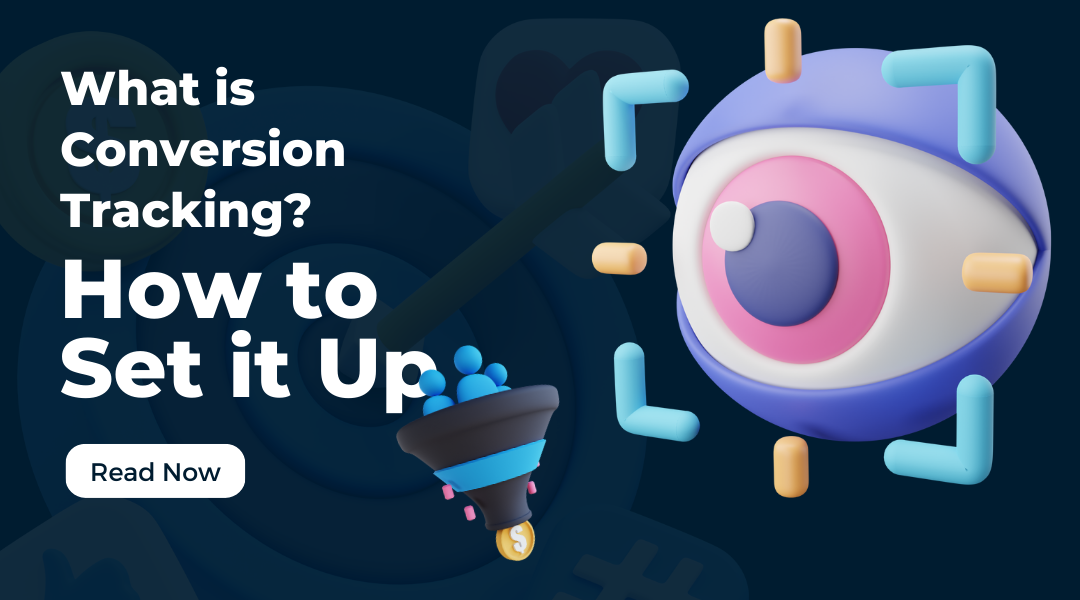

In the digital world, traffic is important—but conversions are everything. You can drive thousands of visitors to your website, but unless those visitors take meaningful actions (like making a purchase, signing up for a newsletter, or filling out a contact form), your marketing spend is just noise. This is where conversion tracking comes in.
At Webivon Solutions, we always tell our clients: “What gets measured, gets improved.” Conversion tracking is the tool that makes this possible.
What is Conversion Tracking?
Conversion tracking is the process of monitoring and measuring the specific actions users take on your website or app. A conversion is any valuable interaction you define—it could be:
- Purchasing a product
- Submitting a form
- Signing up for a free trial
- Clicking on a call-to-action button
- Downloading a file or brochure
By setting up conversion tracking, you bridge the gap between ad spend and real business outcomes. Instead of guessing whether your ads, SEO, or email campaigns are working, you can see exactly which channels and strategies drive sales or leads.
Why is Conversion Tracking Important?
- Measure ROI (Return on Investment):
Every marketing dollar counts. Conversion tracking tells you whether your money is being spent wisely. - Optimize Campaigns:
Once you know which ads, keywords, or audiences are driving conversions, you can double down on what works and cut what doesn’t. - Understand Customer Journey:
Tracking reveals how users move through your site and where they take action, giving you insights into improving user experience. - Better Decision-Making:
Instead of relying on assumptions, you get real, data-driven insights.
How to Set Up Conversion Tracking
Setting up conversion tracking depends on the platform you’re using (Google Ads, Facebook Ads, or your website’s analytics tool). Below, we’ll walk you through the Google Ads & Google Analytics setup—the most common starting point.
Step 1: Define Your Conversion Goals
Ask yourself: What action matters most to my business?
- For eCommerce: Purchases or Add-to-Cart events
- For Services: Form submissions or phone calls
- For SaaS: Free trial signups or demo requests
Clearly defining your goals ensures you’re measuring what matters.
Step 2: Set Up Google Tag Manager (Recommended)
Google Tag Manager (GTM) makes conversion tracking easier by allowing you to manage all your tracking codes from one place.
- Create a GTM account and install the GTM container code on your website.
- Use GTM to add and manage tags (like Google Ads or Analytics tracking codes) without editing your website code each time.
Step 3: Set Up Conversion Tracking in Google Ads
- Log into Google Ads → Tools & Settings → Conversions
- Click + New Conversion Action
- Choose what to track: Website, App, Phone Calls, or Imports
- Set up your goal (e.g., purchase, form submission)
- Generate the tracking tag and add it to your site (via GTM or directly in your code)
Step 4: Use Google Analytics (GA4) for Deeper Insights
- Log into Google Analytics (GA4)
- Go to Events and mark key actions as “Conversions” (like
purchaseorform_submit) - Link Google Analytics to Google Ads so both systems share data seamlessly
- Monitor performance inside GA4 reports for user behavior and funnel drop-offs
Step 5: Test Your Setup
Before going live, use Google Tag Assistant or GA4 DebugView to confirm that your conversion events are firing correctly when users complete actions.
Pro Tips from Webivon Solutions
- Track Micro-Conversions Too: Even if someone doesn’t buy, smaller actions like newsletter signups or button clicks matter.
- Segment Your Conversions: Distinguish between leads, returning customers, and new buyers for clearer insights.
- Regularly Review & Refine: Conversion tracking isn’t a one-time setup. Keep testing, analyzing, and optimizing.
Final Thoughts
Conversion tracking is not just a technical setup—it’s a business growth engine. By knowing what works (and what doesn’t), you can scale smarter, spend wisely, and get closer to your business goals with every campaign.
At Webivon Solutions, we help businesses set up and optimize conversion tracking systems that unlock growth and maximize ROI.
👉 Need help setting up conversion tracking for your business? Contact Webivon Solutions today.